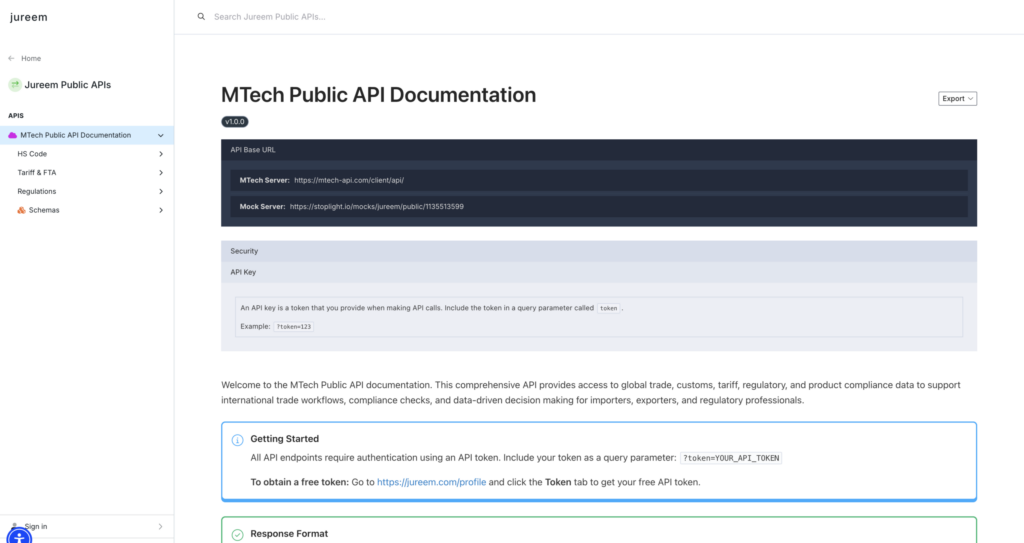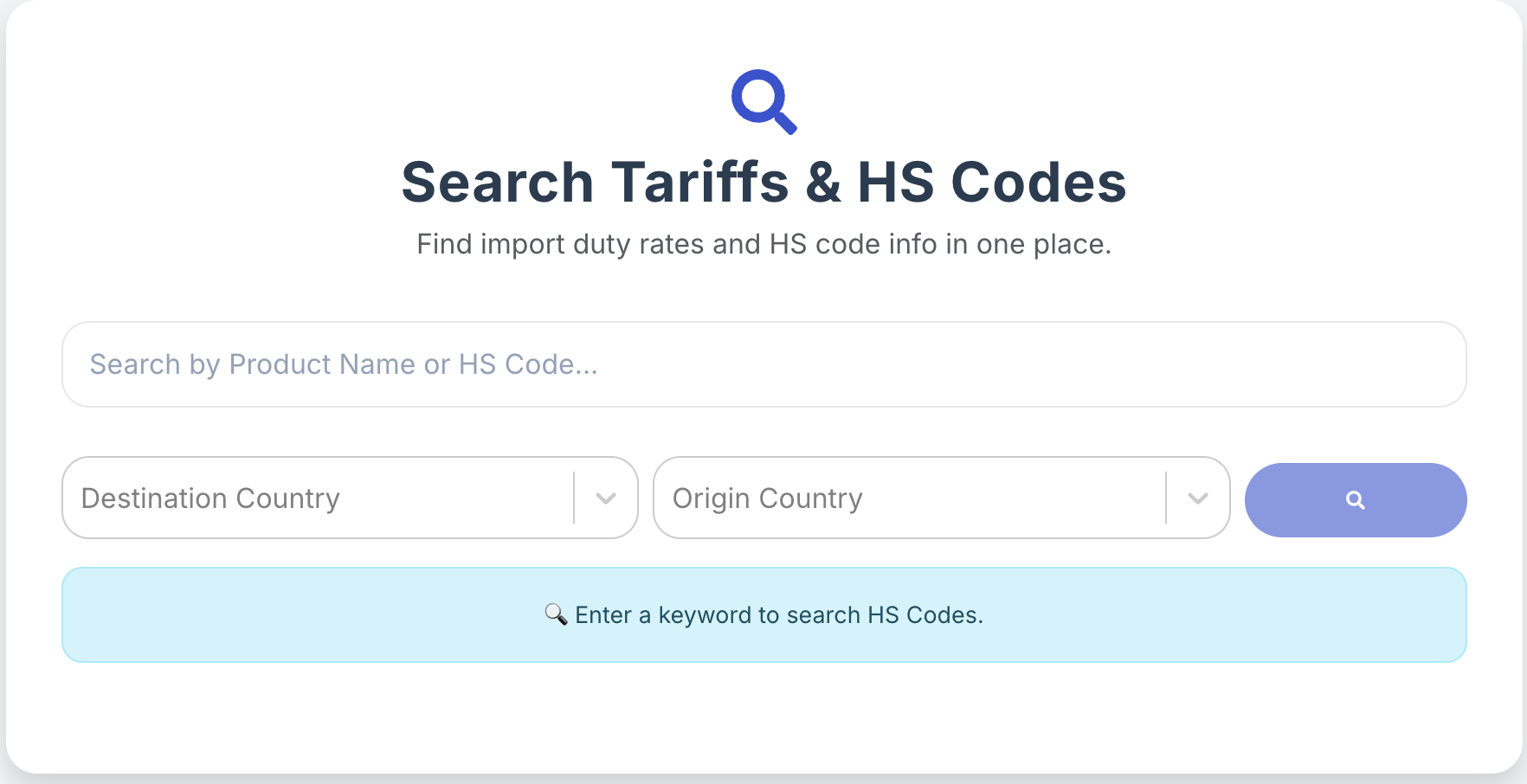

The MTech Public API gives you access to global trade, customs, tariff, and regulatory data to support your international trade workflows. Whether you’re an importer, exporter, or compliance professional, this guide will walk you through everything you need to get started.
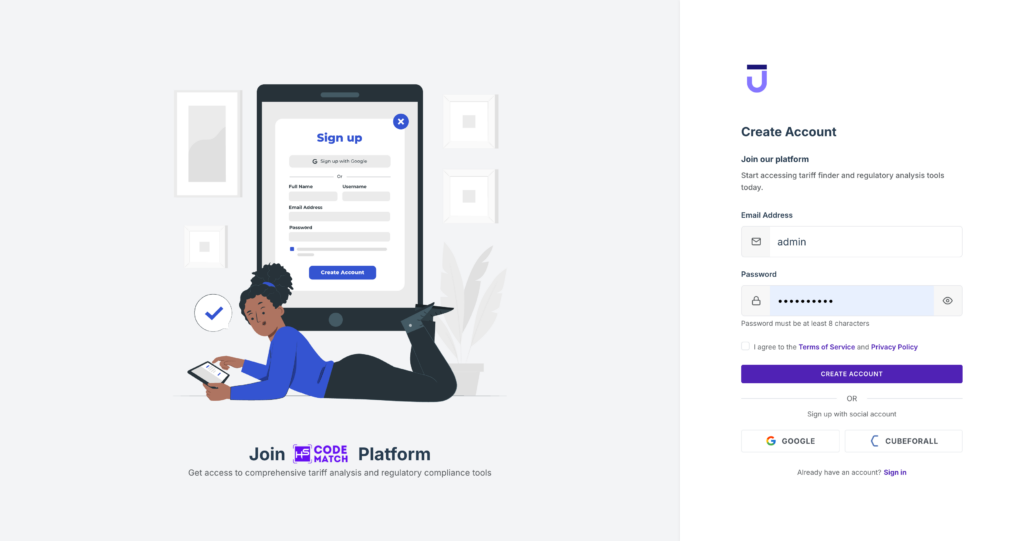
Step 1: Create Your Account
Go to app.hscodematch.com and click Sign Up. Enter your email, create a password, and verify your account to access your dashboard.
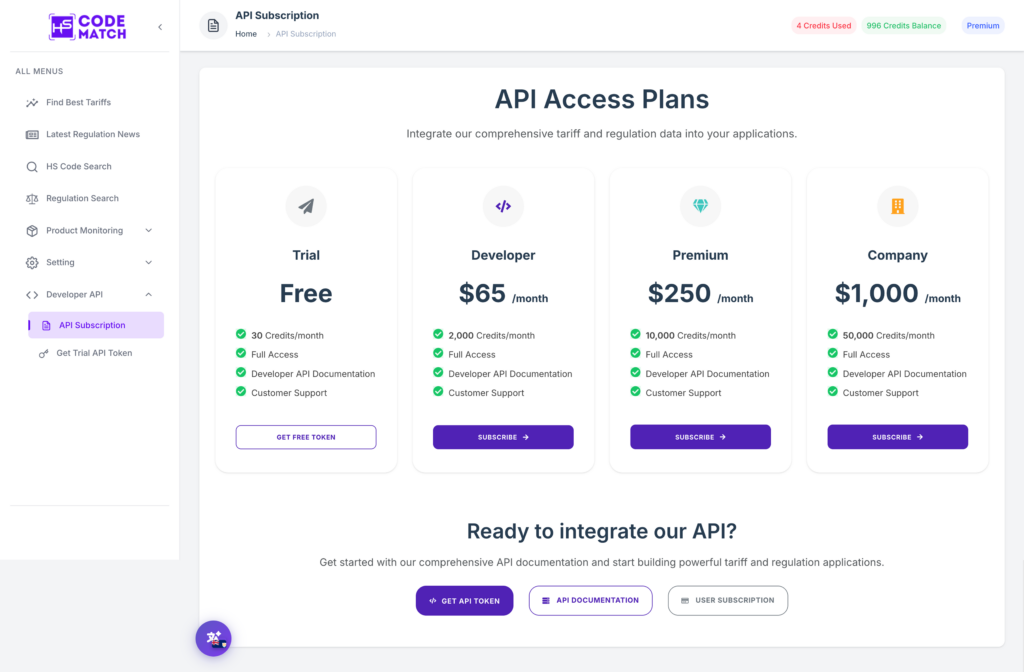
Step 2: Choose a Pricing Plan
Navigate to Developer API → API Subscription from the left sidebar. Select the plan that best fits your needs — from Free Trial up to Company plan. All plans include Full Access, API Documentation, and Customer Support.
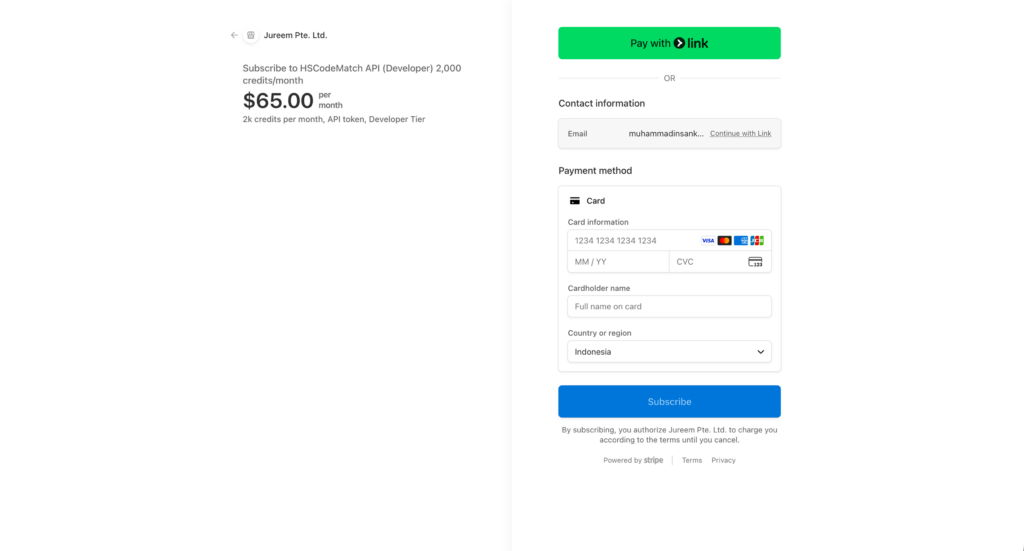
Click the Subscribe → button on your chosen plan. Complete your payment details and confirm your subscription. A confirmation email will be sent once your plan is active.
Step 3: Start Your Subscription
Enter your billing details on our secure checkout page to activate your subscription. Once the payment is processed via encrypted transaction, you’ll receive an instant confirmation email and immediate access to your API credentials to begin integration.
Step 4: Access API Documentation
You can start integrating immediately by clicking the API Documentation button located at the bottom of this page. This section provides your API credentials, endpoint details, and technical guides to help you connect your application to our global trade data seamlessly.
API Documentation Link: Click here