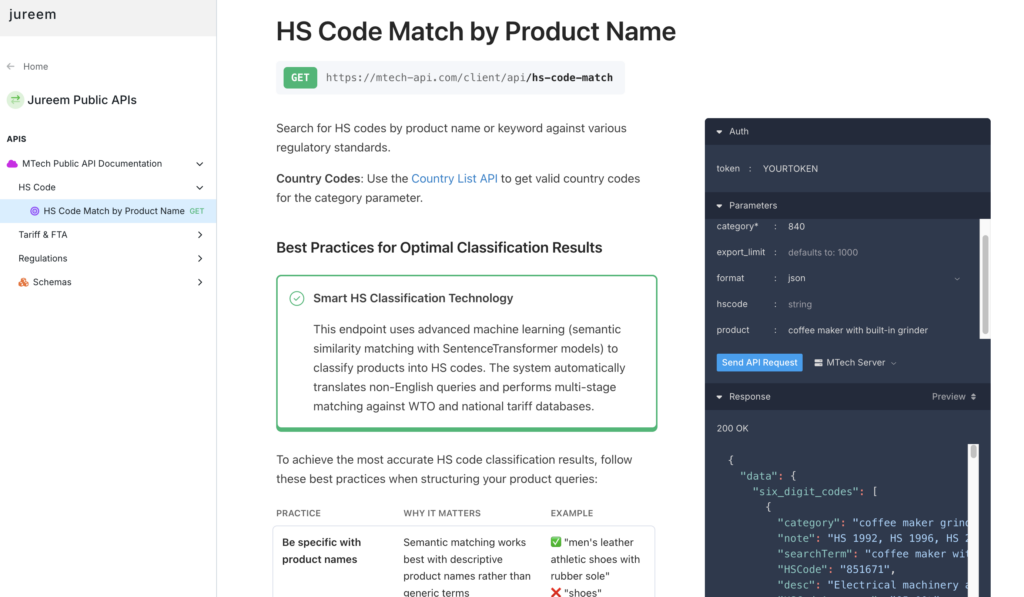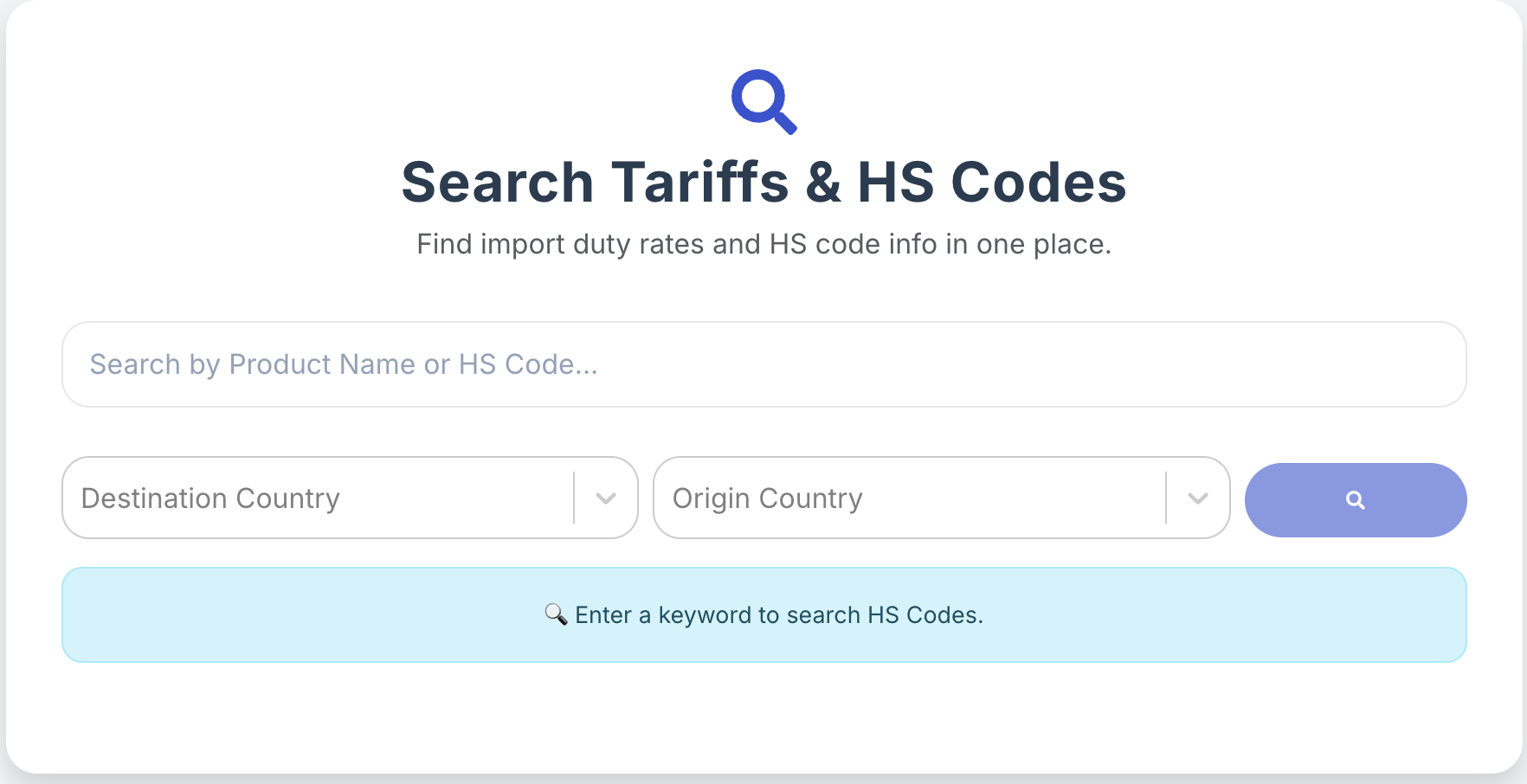

Data Coverage provides a matrix of all countries for users to access supported data for international trade, including HS codes, Customs Authority (national tariff) Data, Regulations from the WTO, and each national authority. This guide will assist you in finding the coverage data on the HSCodeMatch database.
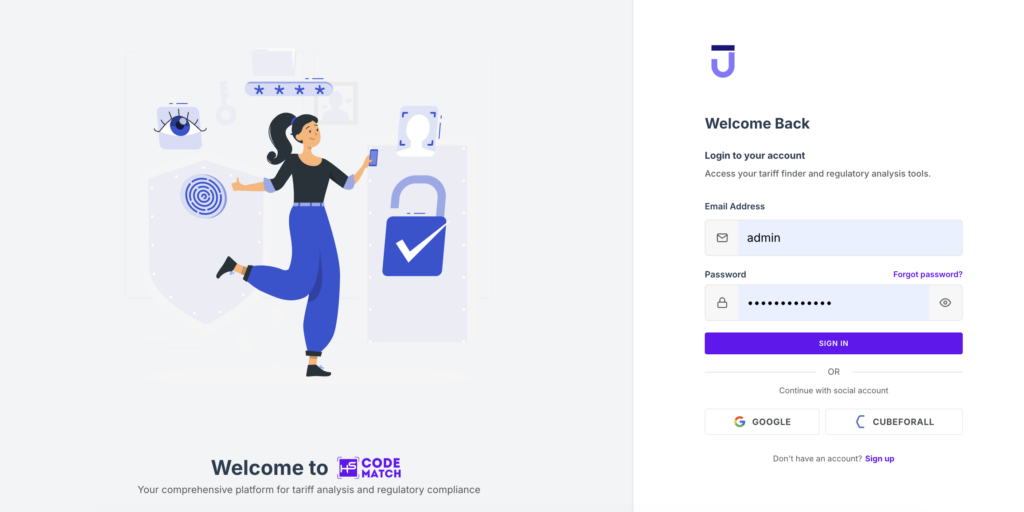
Step 1: Log in to the Application
Access app.hscodematch.com and log in with your registered email and password.
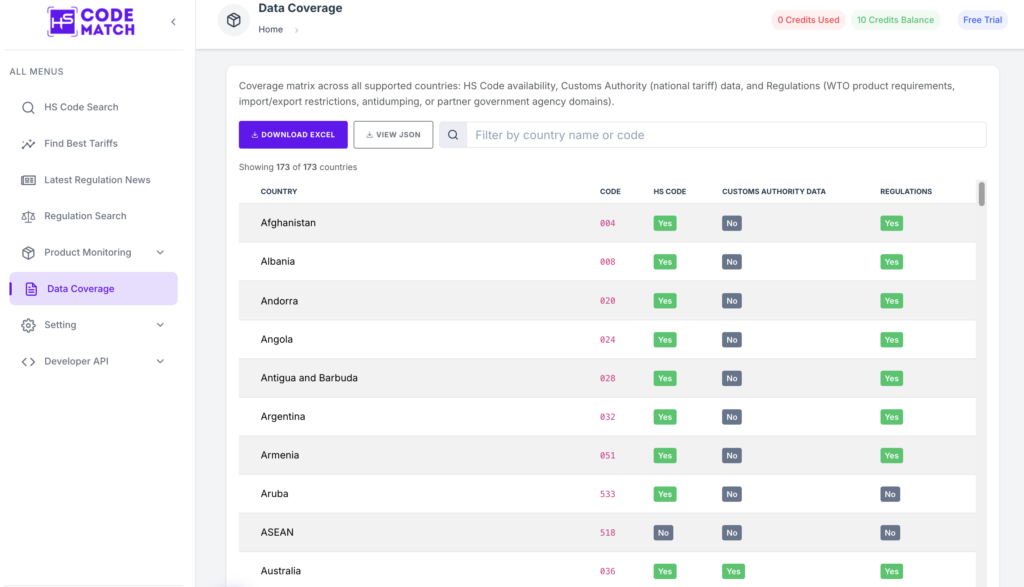
Step 2: Go to the Data Coverage Page
Find the Data Coverage page on the left sidebar. Here you can find the list of our data coverage, including the country and specific code. Check the availability of HS codes, Customs Authority Data, and Regulations. You are allowed to search the country you are looking for.
Step 3: Use the country code on the HSCodeMatch Public API
Once you find the country code, copy it, and open our API Documentation. Go to the HS Code Match by Product Name and paste the country code into the Category. Give a clear product name along with a detailed description. Then, click the Send API Request button. Now you can get the results of HS codes together with the accuracy and descriptions.