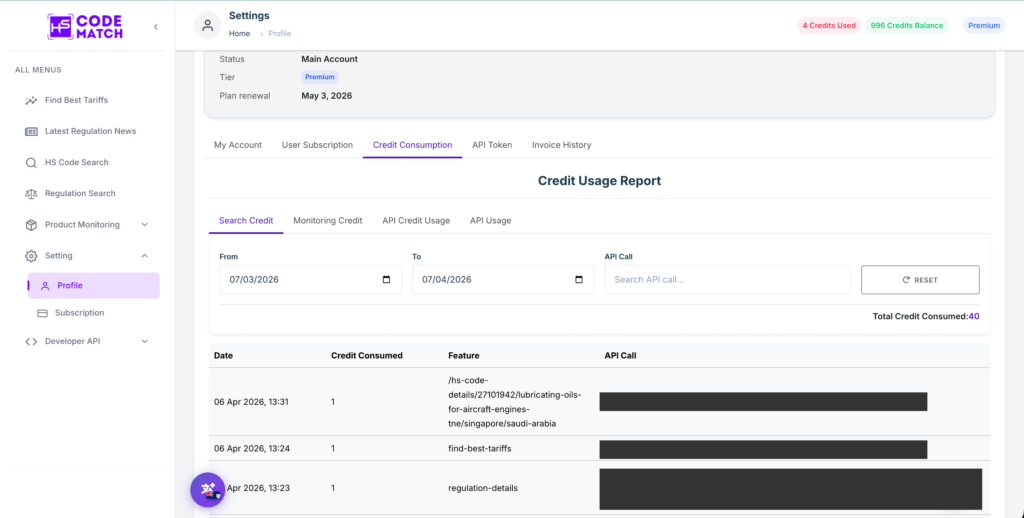

Tracking your API usage helps you manage credits efficiently and avoid hitting your monthly limit unexpectedly.
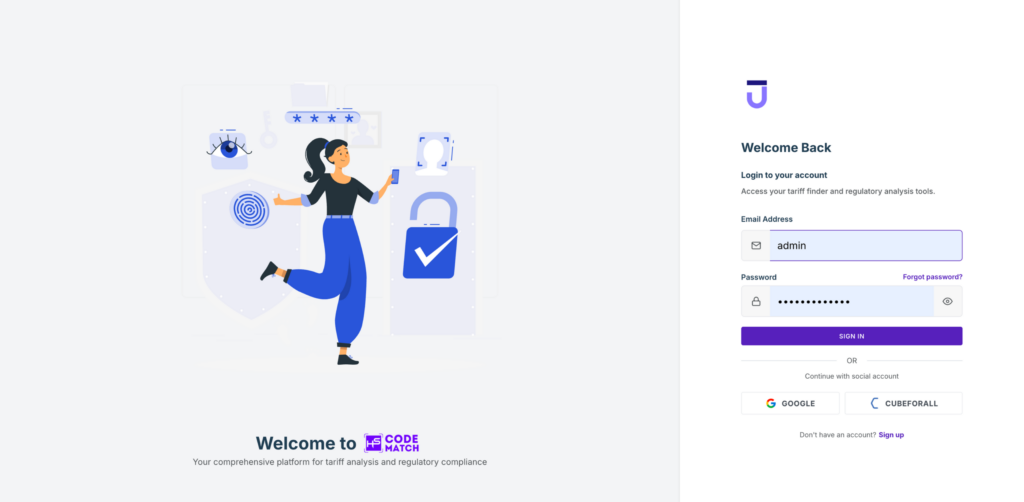
Step 1: Log In to the App
Go to app.hscodematch.com and log in with your email and password.
Step 2: Go to Your Profile Page
From the left sidebar, go to Setting → Profile. Once on the profile page, click the Credit Consumption tab at the top. Here you can monitor all your usage data, including credits consumed per date, features used, and API call history. You can also filter by date range to track specific periods.